
Hosted status page software for operational transparency
Show service health, incidents, maintenance, and uptime history on a page built to stay useful while your application is degraded or unavailable.
Hosted separately for clear incident and maintenance communication.
Why Teams Use Status Pages During Real Incidents
During outages, customers want answers immediately. A status page provides a single source of truth where teams can communicate service health, publish incident updates, and keep users informed in real time. Instead of hundreds of support tickets asking “is it down?”, your users get clear answers instantly.
If you are new to the category, see how monitoring, incidents, and status pages fit together. If you are comparing product scope, see our all-in-one status page platform overview.
See the status page settings guide and component setup walkthrough for a step-by-step configuration.
For architecture, examples, maintenance patterns, and subscriber strategy, browse the University status pages hub.
Everything you need for transparency
Detect problems early, communicate incidents clearly, and build trust with transparent uptime reporting.
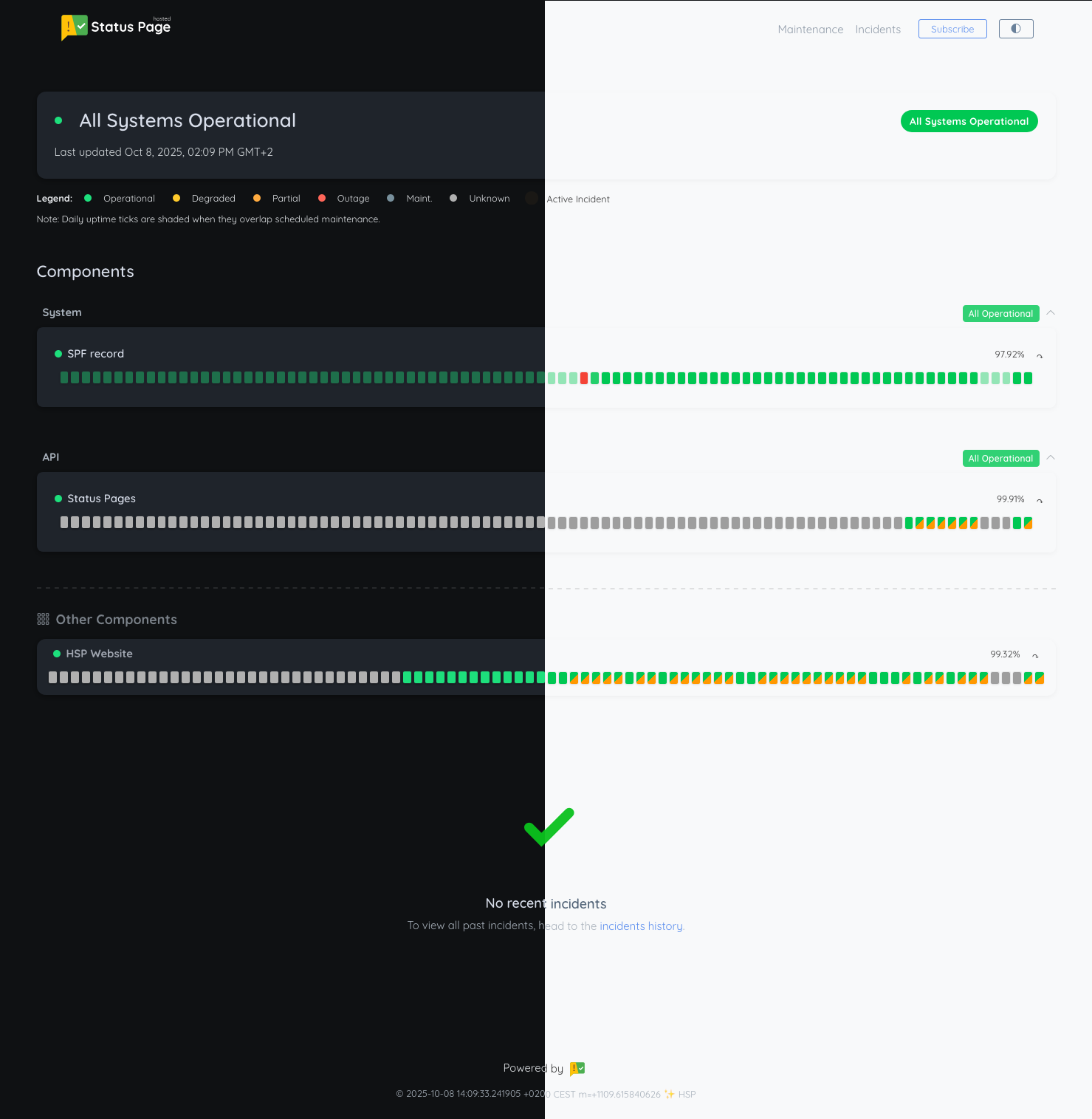
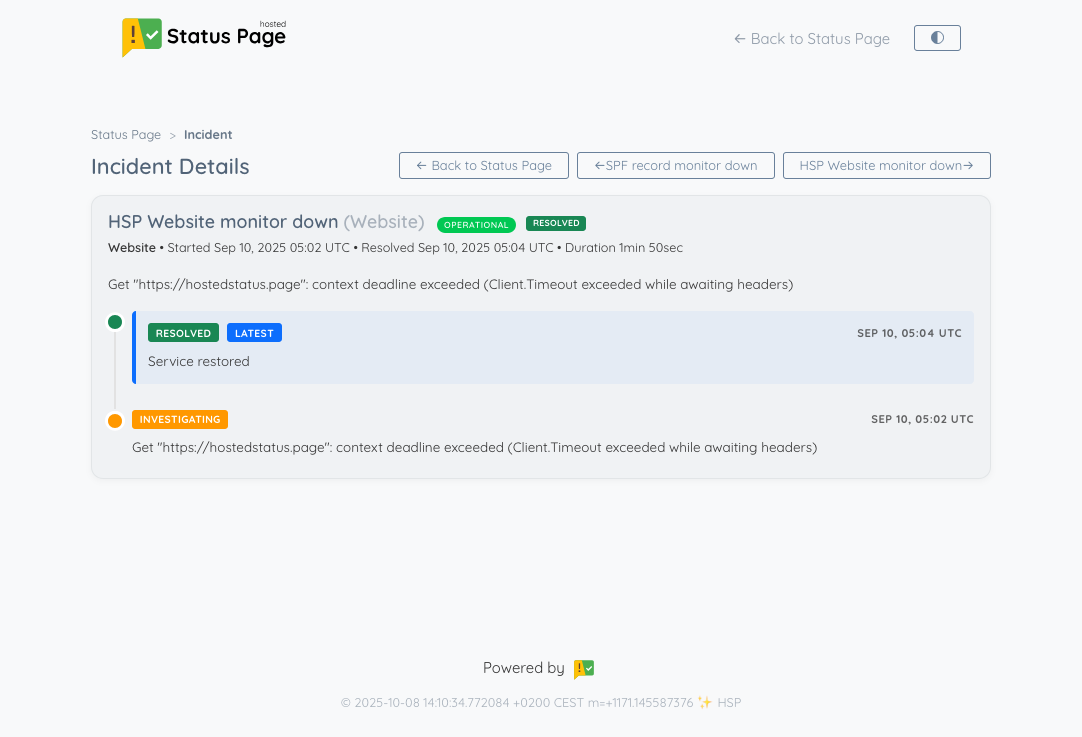
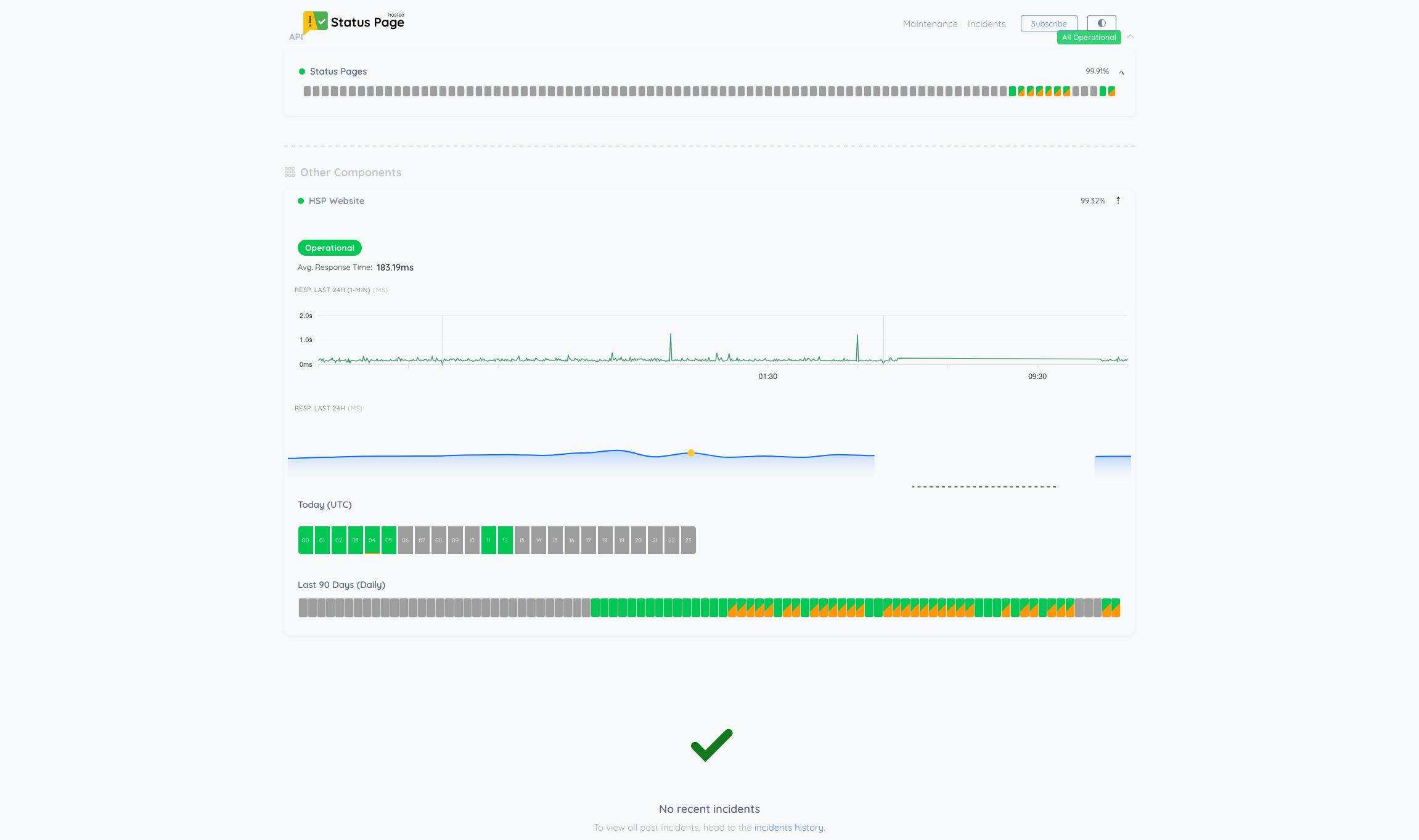
Status Page Examples
See how status pages look in action with different designs and configurations.
Hosted vs Self-Hosted Status Page
Running your own status page sounds simple until your monitoring server fails during an outage. A hosted solution keeps status communication reliable when it matters most.
| Feature | StatusPage.me | Self-Hosted |
|---|---|---|
| Setup & Maintenance | ✔️ Fully managed | ❌ Manual setup required |
| Infrastructure Management | ✔️ No servers to manage | ❌ You manage servers |
| Reliability & Uptime | ✔️ High availability | ⚠️ Depends on your resources |
| Customization | ✔️ Easy branding | ⚠️ Requires coding |
| Cost | ✔️ Predictable pricing | ⚠️ Possible unexpected costs |
| Support & Updates | ✔️ Dedicated support | ❌ DIY support |
Why Choose StatusPage.me Over Building Your Own?
Focus on your product, not infrastructure.
No infrastructure management
Fully hosted and maintained so you can focus on your product instead of servers.
Rapid deployment
Create a production-ready status page in minutes instead of building and maintaining your own system.
Reliable uptime monitoring
Multi-region uptime checks detect issues early and power automated incident reporting.
Dedicated support
Continuous updates and responsive support so your incident communication always works when needed.
Projects we support
Open-source projects currently running on the OSS Hero plan.


Why we back open source
Open source software underpins everything we build. This program helps maintainers communicate outages and maintenance with clarity and credibility — without adding toil.
Community first
Priority for projects with active contributors & users.
Real impact
Reliable comms → fewer issues & happier users.
What you get
OSS Hero gives eligible projects up to 3 status pages and 5 monitors per page with 60‑second checks, plus:
- Up to 2,000 subscribers
- Incident history & postmortems
- Email, Slack & Discord alerts included
- Embeddable trust badges & widgets
- Privacy‑friendly, no trackers
- API access & automation
- Small "Powered by Status Page" attribution badge on your public status page (required)
Eligibility
- Public repository with active development
- OSI‑approved license (MIT, Apache‑2.0, GPL, etc.)
- Project website or README visible to users
- Non‑commercial usage on this plan
How to apply
- Create a free account and set up your status page.
- Submit the form with your repo, license, and project links.
- We review and upgrade you to the OSS Hero plan.
Eligible for the OSS Hero program?
Apply now to get a free status page for your open source project.
Be ready before your next outage.
Need to launch one now? Follow the setup path for components, monitoring, incidents, and subscriber updates.
Create a status page Explore Pricing14-day free trial • No credit card required
Want to dive deeper? Learn more on our Blog