
Never miss a critical alert again
Built for teams that need rotations, escalations, and reliable alert delivery in one place.
Rotations, escalations, and multi-channel alerting, integrated with monitoring and your Status Page. No duct-taping. No vendor soup.
Built for real outages: persistent delivery, automatic retries, and sane defaults.
Incidents don’t fail loudly. They fail silently.
Alerts land in the wrong channel. Nobody acknowledges. A handoff gets missed. Your customers refresh the status page, while your team debates whether it’s “really down”.
- Alerts disappear in Slack scrollback
- On-call schedules live in a spreadsheet nobody trusts
- Escalations are manual, slow, and inconsistent
- Customers hear about downtime from Twitter first
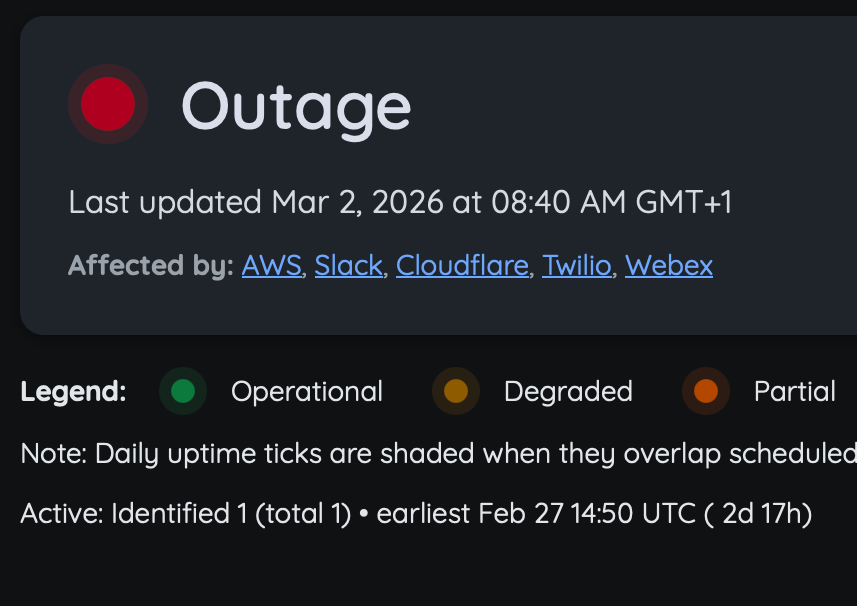
Monitoring → On-call → Status Page
A clean incident flow that doesn’t require five tools and a prayer.
How it works
- A monitor detects an issue (HTTP, ping, SSL, etc.)
- Alert routing selects the right responder (rotation + rules)
- If nobody acknowledges, it escalates automatically
- Your Status Page updates and subscribers get notified
- Incident comms stay consistent from start to postmortem
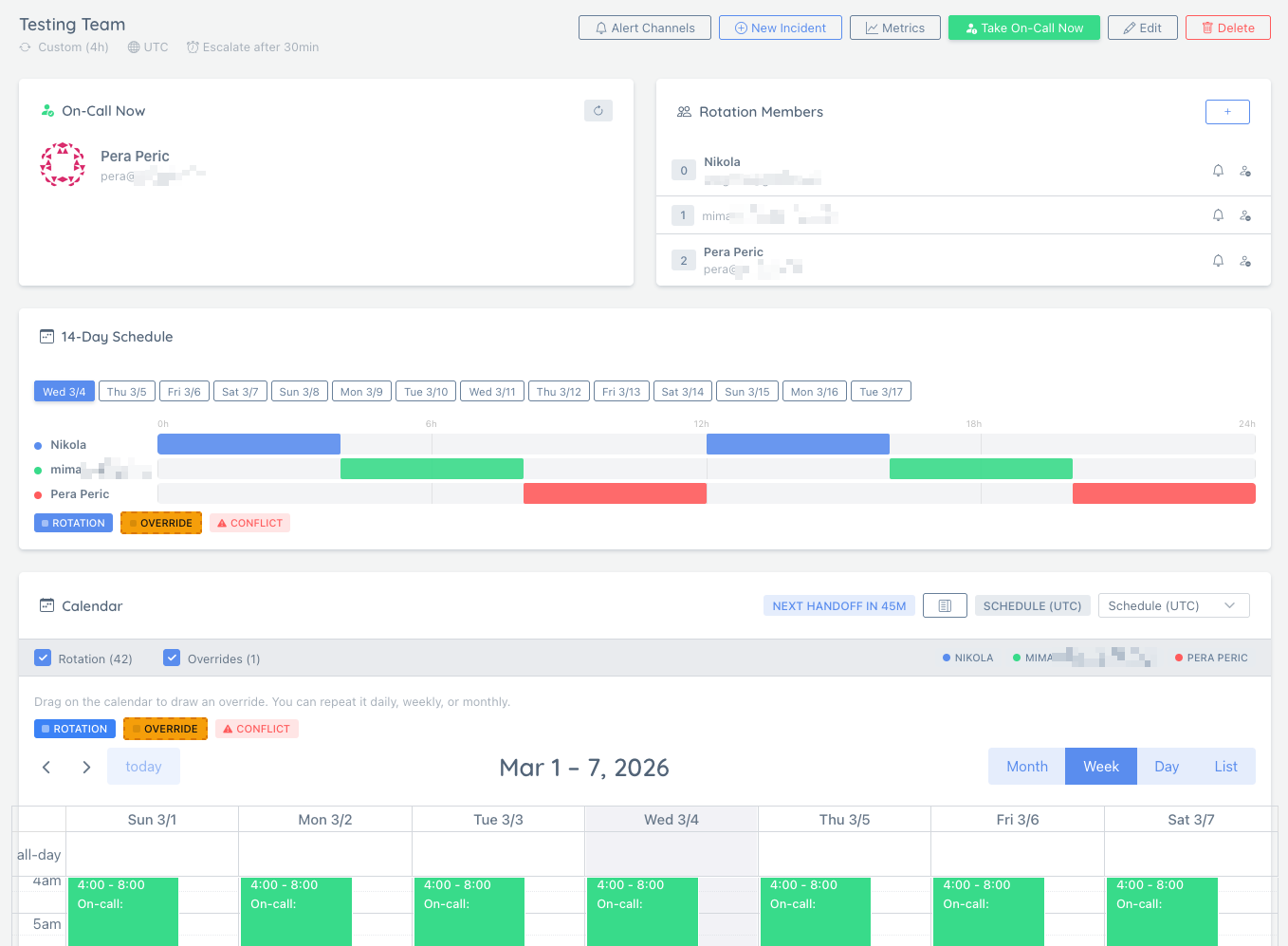
The on-call basics, done properly
Rotations, acknowledgements, escalations, and delivery across channels. Predictable coverage, fewer missed handoffs.
Schedule Rotations
Set up weekly or custom rotations so coverage stays predictable across your team.
Escalate Automatically
If nobody acknowledges, escalate to backup responders to avoid stalled incidents.
Notify Everywhere
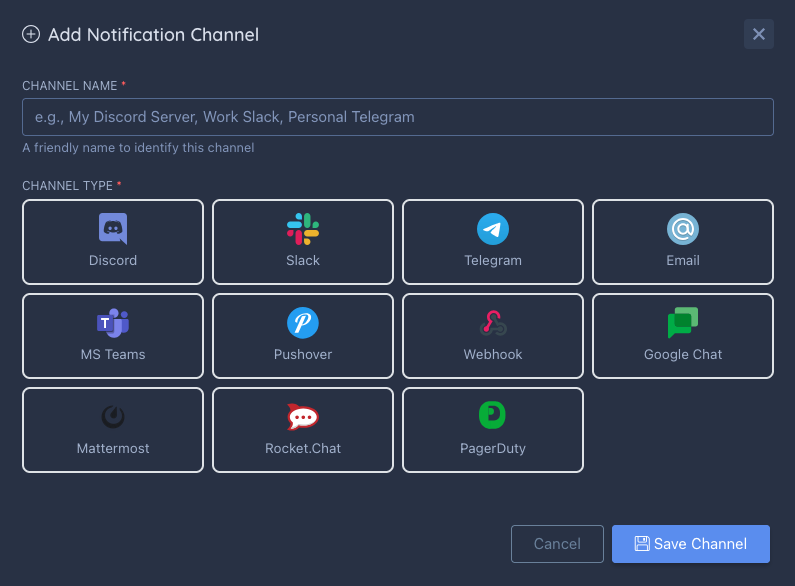
Deliver alerts to PagerDuty, Slack, Discord, Telegram, Teams, email, webhooks, etc.
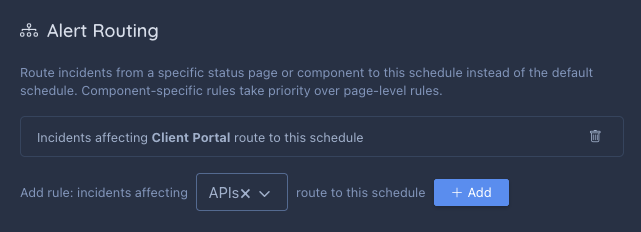
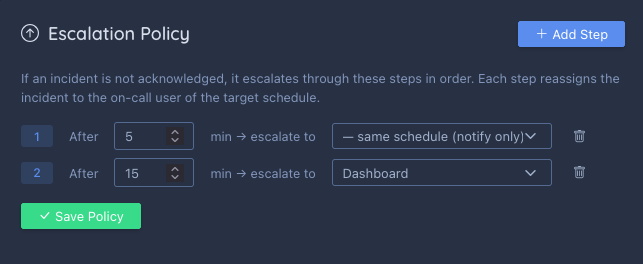
Built for real outages, not demos
On-call tooling is only useful when it’s boringly reliable. This is designed to survive deploys, restarts, and the messy reality of production incidents.

Who this is for
If uptime matters, someone needs to own the response.
Indie SaaS
One or two people on call. Keep it simple, loud, and reliable.
Small teams
Shared rotations with predictable handoffs and clear ownership.
Agencies
Route alerts per client and keep comms consistent on each Status Page.
Ops-heavy stacks
Escalations and multi-channel delivery when response time is everything.
Easy to try, easy to switch
Start with one rotation. Run in parallel with your current setup. Once you trust the delivery, move the rest.
- Create a rotation and add responders
- Connect a channel (Slack/email/webhook)
- Send test alerts and confirm delivery
- Flip production routing when you’re confident
On-call FAQs
The stuff you’ll ask before trusting alerts with your sleep schedule.
Protect your next incident
Set up a rotation, connect a channel, and confirm delivery before production needs you.
Set up on-call