Incident management that keeps updates clear under pressure
Built for teams that want incident communication tied directly to monitoring and status pages.
Create incidents in seconds, keep your status page accurate as the situation changes, and notify subscribers across every channel without scrambling during an outage.

Keep Users Informed
Transparency builds trust. Keep your users in the loop during service disruptions.
- Live Incident Timeline Post real-time updates as the situation evolves. Choose from simple, structured, or technical formats — the public timeline stays in sync automatically.
- Scheduled Maintenance Plan ahead with maintenance windows that appear on your status page and notify subscribers before work begins.
- Quick Presets & Templates Jump-start with built-in presets (API Down, Degraded, Maintenance) or save your own templates for fast, consistent communication every time.
- Task Checklists Track response work with structured task lists. A built-in library covers notify, triage, mitigate, and postmortem steps so nothing gets missed.
- Response Roles & On-Call Assign an Incident Commander, Comms lead, and Investigator. Wire incidents to on-call schedules for automatic escalation and acknowledgement.
- Postmortems & Runbooks Attach a structured postmortem (summary, root cause, remediation, timeline) and link runbooks directly to incidents for future reference.
From first alert to resolved incident

StatusPage.me gives you a simple workflow to capture, update and close incidents while keeping customers and teammates aligned.
Create or auto-create an incident
Open a new incident manually using quick presets (API Down, Degraded, Maintenance) — or let monitors auto-create one when checks start failing. Choose affected components, pick a severity, and you're live in seconds.
Post timeline updates
Share what you know as you investigate: acknowledgements, identified root causes and mitigation steps, all added to a clear incident timeline.
Resolve & follow up
Mark the incident as resolved, notify subscribers automatically, and keep a permanent record you can reference in reports and postmortems.
Incident management works hand-in-hand with uptime monitors and status pages, so you never have to copy updates between tools.
Need communication playbooks, severity guidance, and postmortem structure? Browse the University incident management guides.
Incidents that start and end with your monitors
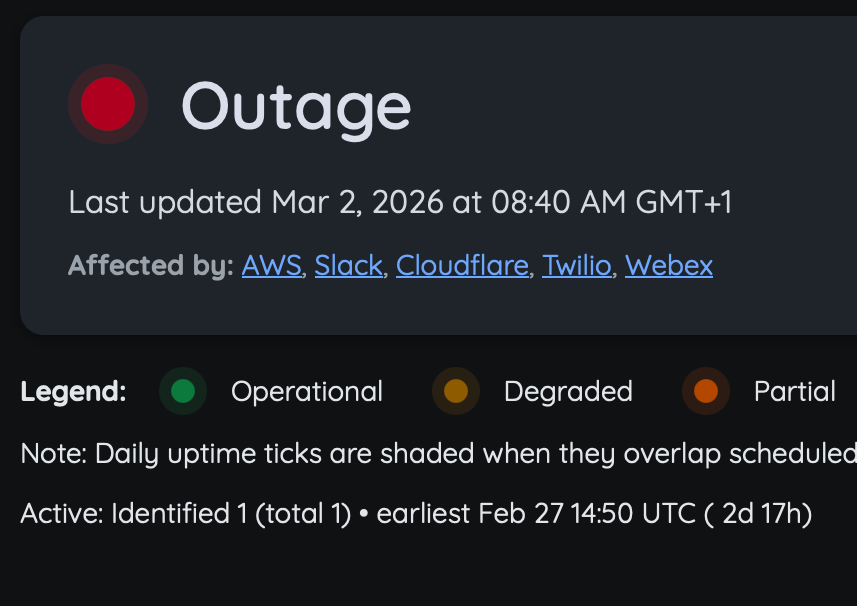
No copy-paste between tools. When a monitor starts failing, an incident opens automatically — and when it recovers, the incident resolves itself.
- Auto-create on failure Configure any monitor to open an incident the moment checks start failing — even if nobody is at the keyboard.
- Auto-resolve on recovery When your monitor comes back up, the incident closes and subscribers are notified automatically — no manual cleanup required.
- Status page stays accurate Affected components are updated the moment an incident opens, so your public status page always reflects what monitors are seeing.
Common questions about incidents and maintenance
A quick overview of how incidents, maintenance windows and notifications work in StatusPage.me.
Ready to manage incidents with confidence?
Set up your first status page, connect your monitors, and keep customers informed automatically — in minutes.