Last updated: 2026-03-15
A status page exists for one reason: to communicate during incidents.
Ironically, many status pages fail at the exact moment users need them most — during a real outage.
This happens more often than companies admit. A service goes down, users rush to the status page, and either:
- the page is unreachable
- the page still says “All systems operational”
- updates appear 30 minutes too late
- the status page depends on the same infrastructure that just failed
The result is predictable: users stop trusting the status page entirely.
This guide explains why status pages fail during outages — and how to design one that actually works when things break.
The three ways status pages fail during incidents
Most unreliable status pages fail in one of three ways.
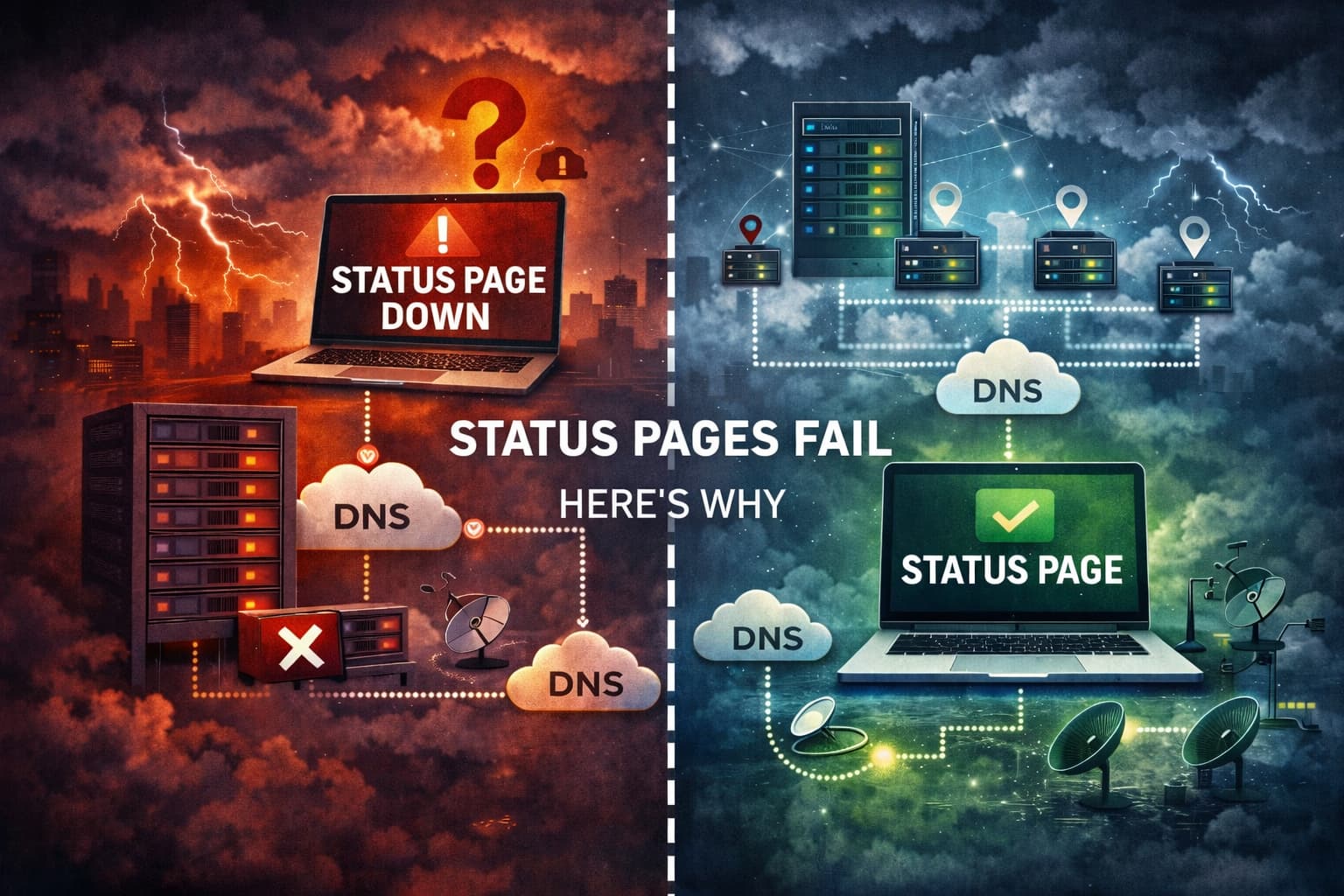
1. The status page runs on the same infrastructure
This is the most common mistake.
If your status page is hosted on the same servers as your application, then an outage affects both at the same time.
When the primary system goes down:
- the app is unavailable
- the API is unavailable
- the status page is also unavailable
Users are left with no information.
A reliable status page must run outside the infrastructure it reports on.
2. Incident updates are manual and delayed
Many teams update their status page manually.
During an incident, engineers are focused on debugging, logs, and restoring service. Updating a status page becomes a secondary task.
This leads to familiar problems:
- incidents acknowledged too late
- updates posted after users already noticed the outage
- vague messages like “investigating an issue”
Automation solves much of this.
External monitoring can detect failures and trigger incidents automatically before someone remembers to update a page.
3. Monitoring comes from only one location
If monitoring checks run from a single region, you can get false positives or false negatives.
Examples:
- a routing issue affects one region but not others
- an ISP problem blocks traffic from a specific country
- a transient network issue causes one failed check
Without multi-location confirmation, your status page may report an outage that only affects a small subset of users.
If you want to reduce these mistakes, see:
Why users stop trusting status pages
Trust is fragile during outages.
Users typically check the status page when something already feels broken. If the page shows misleading information, confidence disappears quickly.
The most common trust-breaking patterns are:
- “All systems operational” during a real outage
- updates posted long after users notice problems
- unclear or vague incident descriptions
- missing historical incident records
Once users stop trusting the status page, they return to support tickets, social media complaints, and guesswork.
Architecture that actually works
A status page that remains useful during incidents follows a few simple design principles.
Independent infrastructure
The status page must be hosted separately from the systems it monitors.
This ensures it remains reachable even when your application or API fails.
External monitoring
Monitoring should run outside your primary infrastructure.
External checks simulate real user requests and provide a neutral signal when services fail.
If you’re unfamiliar with how monitoring and status pages interact, this article explains the difference:
Multi-region confirmation
Reliable monitoring requires checks from multiple geographic regions.
This prevents regional network issues from triggering false incidents.
Automated incident triggers
When monitoring detects a confirmed outage, an incident can be created automatically.
Automation reduces the delay between detection and communication.
Platforms like StatusPage.me integrate monitoring and incident updates so communication starts immediately when something breaks.
A simple reliability checklist
If you already run a status page, review these basics:
- Host the status page outside your core infrastructure
- Monitor services from multiple regions
- Require confirmation from multiple checks before triggering alerts
- Keep incident updates short and frequent
- Maintain a public history of incidents and maintenance
These practices help ensure your status page remains useful during the moments it matters most.
Related reading
- What Is a Status Page? (Complete Guide)
- How to Set Up a Status Page in Under 5 Minutes
- How to Reduce False Downtime Alerts (2026 Guide)
FAQ
Can a status page go down?
Yes. If the status page runs on the same infrastructure as the main application, an outage can take both offline at the same time. This is why many teams host their status page on separate infrastructure.
Why do some status pages say “all systems operational” during outages?
This often happens when monitoring is misconfigured, delayed, or relies on a single check location. Manual updates can also introduce delays between detection and communication.
Should status pages update automatically?
Automation can detect outages and trigger incidents immediately. Most teams still add manual updates during investigations, but automated detection reduces communication delays.
Does a status page need separate infrastructure?
Yes. Separating the status page from production systems ensures that users can still see incident updates when the main service is unavailable.